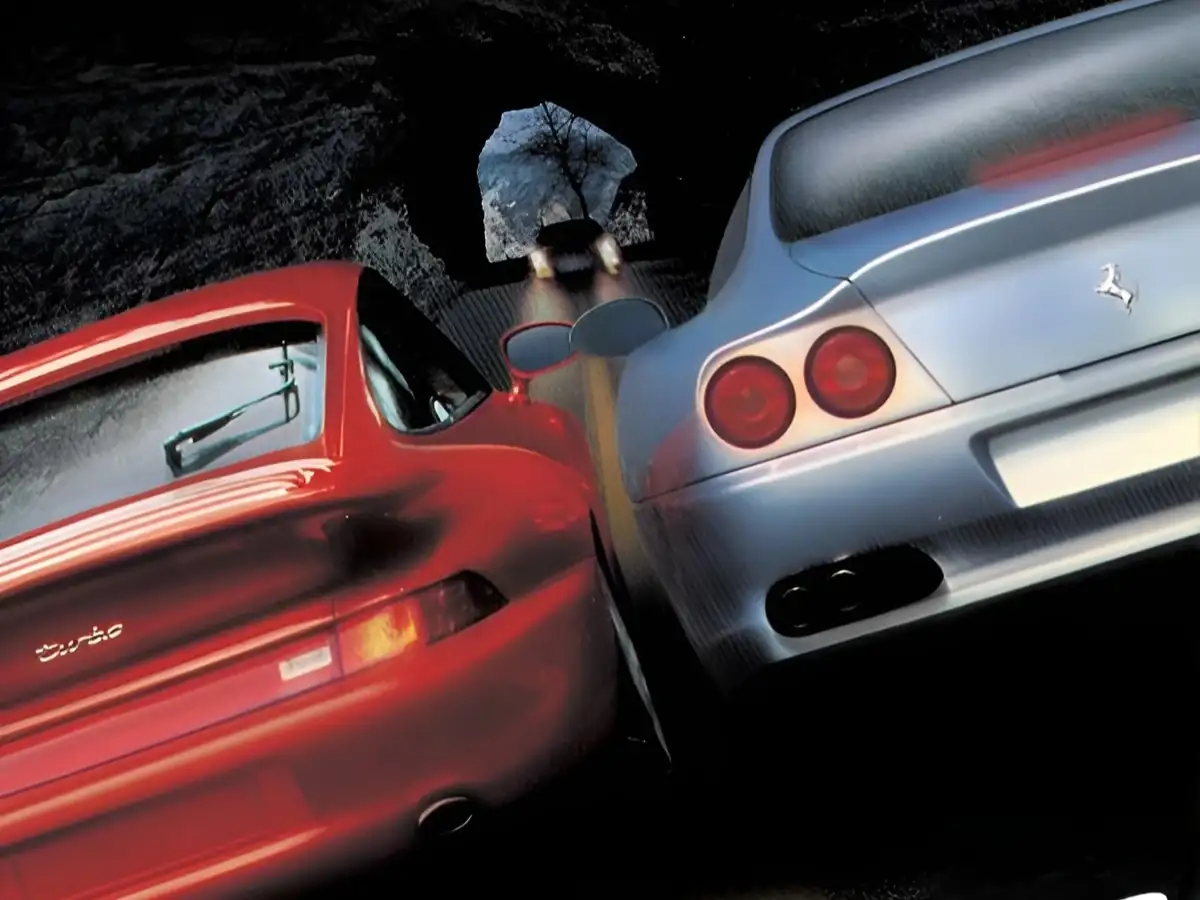
極速快感:致命追擊 CD版
You are using the Safari browser. Only Safari on the latest macOS Sequoia 15.4.1 or iOS 18.4.1 is supported for proper functionality.
You are using the Firefox browser. Only the latest version of Firefox is supported.
Please enter 'about:config' in the Firefox browser, then search for 'javascript.options.wasm_js_promise_integration', set its value to true, and refresh this page to achieve optimal performance.
Please enter 'about:config' in the Firefox browser, then search for 'javascript.options.wasm_js_promise_integration', set its value to true, and refresh this page to achieve optimal performance.
Please install and use the latest version of Chrome or Edge for the best experience.
Mobile device browsers are not supported due to memory limitation.
Your browser storage quota is low and you may not be able to load the game correctly.
Usage: Available:
Usage: Available:
To help us improve, please disable ad blocker for our site. Start game in seconds.
Become a Gold Member to enjoy an ad-free experience, unlock cloud saving, and help us to improve.
Some animated ads may impact game performance. If the game becomes choppy, please close the ads.
Some animated ads may impact game performance. If the game becomes choppy, please close the ads.
Loading...
🛈Windows games require the latest desktop CPUs for optimal experience. See the help page for more details.
極速快感:致命追擊 CD版 (1999)
Need for Speed: High Stakes
EA Seattle

Play

《極速快感:致命追擊》(歐版 Road Challenge)於 1999 年推出,平台為 PS / PC。本作在系列框架內强化“風險與真實感”:導入會影響外觀與性能的車體損傷與賽後維修開銷;職涯模式以獎金→維修/購車/改裝形成循環,推升長線培養與資金管理。Hot Pursuit 擴增為可扮演警察攔截超速車;而 High Stakes 模式更將“車輛所有權對賭”規則化(俗稱粉紅單/pink slip)。PS 版支援雙人分割畫面;PC 版則由 EA Seattle 重新調校圖像管線,多邊形數與光照細節更高、夜間儀表會發光,並收錄《NFS3》附加賽道與官方可下載名車。整體節奏較《Hot Pursuit》更重策略與風險回報權衡。
Upload Save File
Upload save file will orverwrite current progress and restart, do you wish to continue?
Warning
Welcome
Welcome to playing retro Windows games in your browser! To ensure your game saves properly, please exit the game and wait for Windows to shut down completely. Make sure you see the "It is now safe to turn off your computer" message before using the save functions to avoid potential disk corruption.
To save disk changes made by the game, you must manually use the following save functions:
 Save to cloud (Gold member only).
 Save to local browser storage.
 Save and download the save file.
To save disk changes made by the game, you must manually use the following save functions:
Save to cloud (Gold member only). Save to local browser storage. Save and download the save file. Don't show this again.